
Here are some exciting yet important product updates our Product and Engineering teams have made to your uConnect platform recently:
AI Search
- Improved how AI Search finds and recommends relevant events, including events already in progress, with dates and times shown in your site’s local time zone
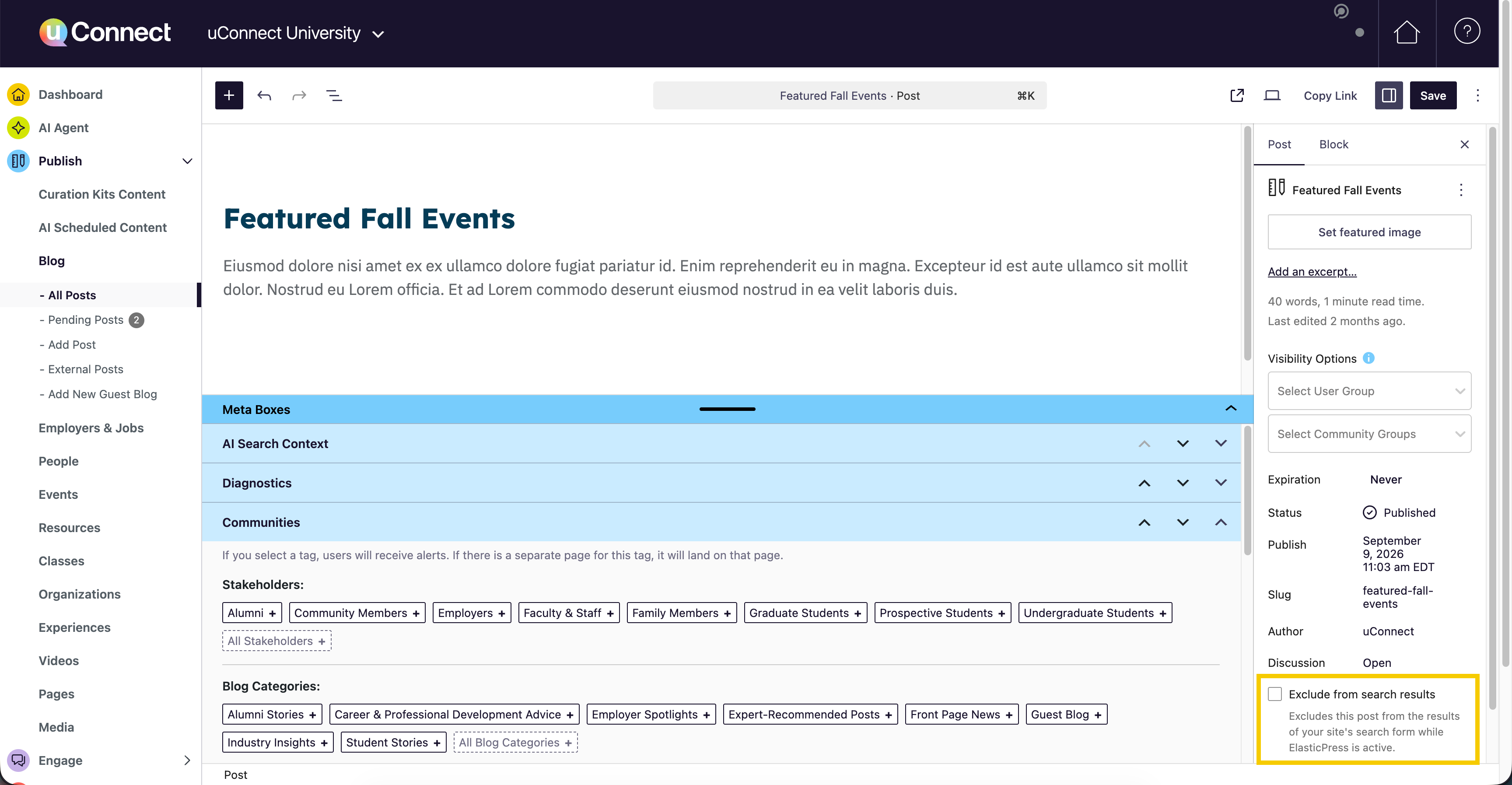
- Extended the “Exclude from search results” checkbox to AI Search, so any content you exclude from keyword search is now also left out of AI Search recommendations
Login & Personalization
- Expanded passive login to compatible sites, so visitors already signed in through their school are recognized automatically without an extra sign-in step
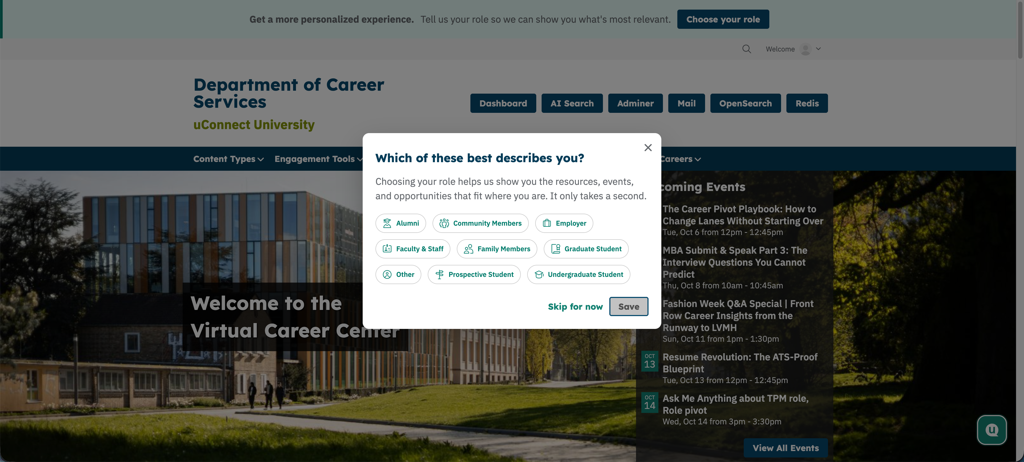
- Added a friendly reminder for users who sign in through their school but haven’t selected a role yet, prompting them to complete their profile. Users can save their selection without leaving the page, or skip it and come back later
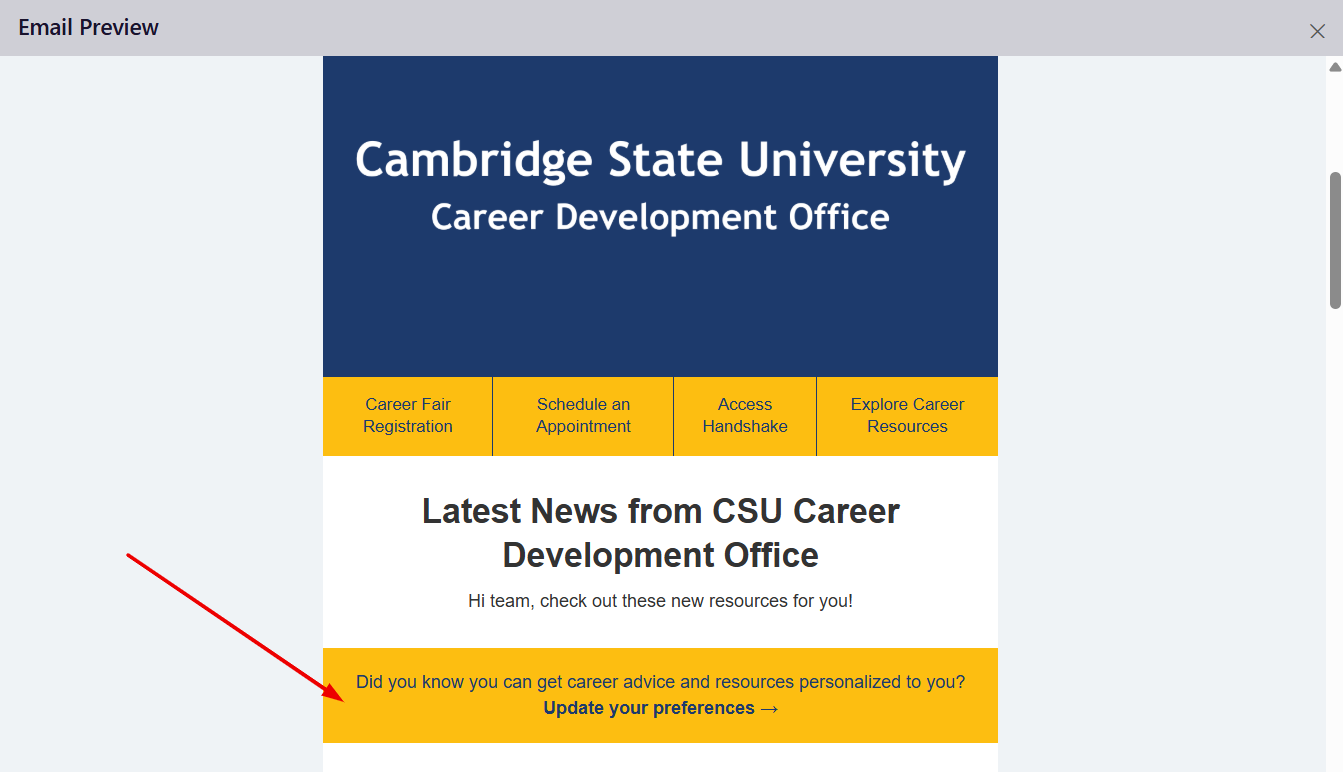
- Added a prominent link to automated emails so recipients can easily customize their email preferences
- Made it possible for email authors to reorder sections and content blocks in the admin dashboard using a keyboard, no mouse dragging required
Outcomes Data
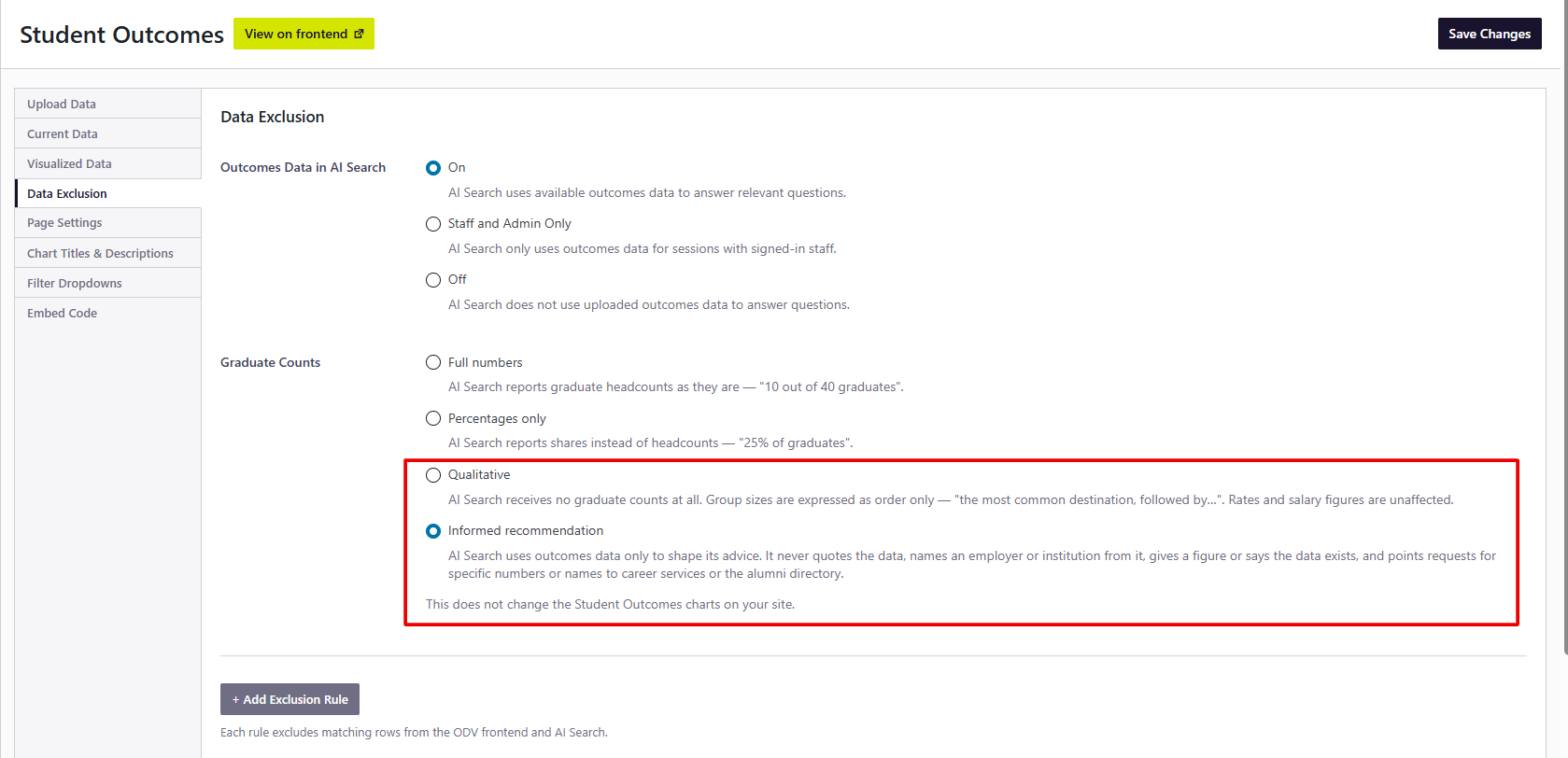
- Added two new options that give you more control over how outcomes data informs AI Search:
- Qualitative responses share insights from your outcomes data without including graduate counts
- Informed recommendations provide general career guidance shaped by your data, without quoting outcomes figures or naming specific employers or institutions
- Enabled users on Premium sites to follow outcomes references in AI Search responses directly to the related outcomes page
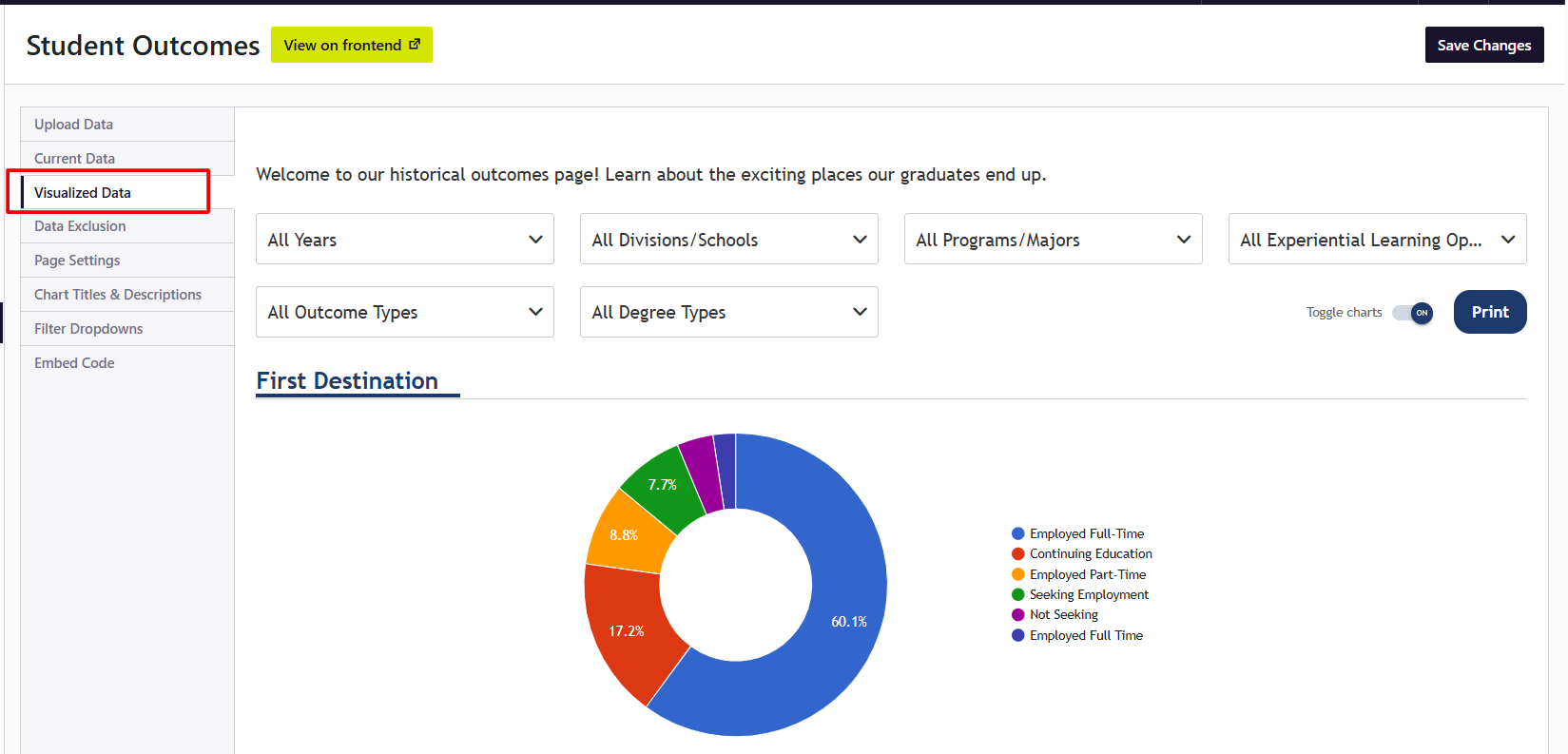
- Added the ability for Premium users to preview their outcomes charts right inside the dashboard’s “Visualized Data” tab in addition to the public view.
Site Management & Accessibility
- Made dashboard controls easier to use with keyboards and screen readers, adding clearer labels, visible focus indicators, and helpful guidance across content, email, subscriber, and reporting screens
- Enabled administrators to select playlist videos and switch between event calendars using only a keyboard