You can build and manage content on your Front Page using the Block Editor tool. If your Front Page content was created in the Block Editor, use either of the two methods below to confirm this:
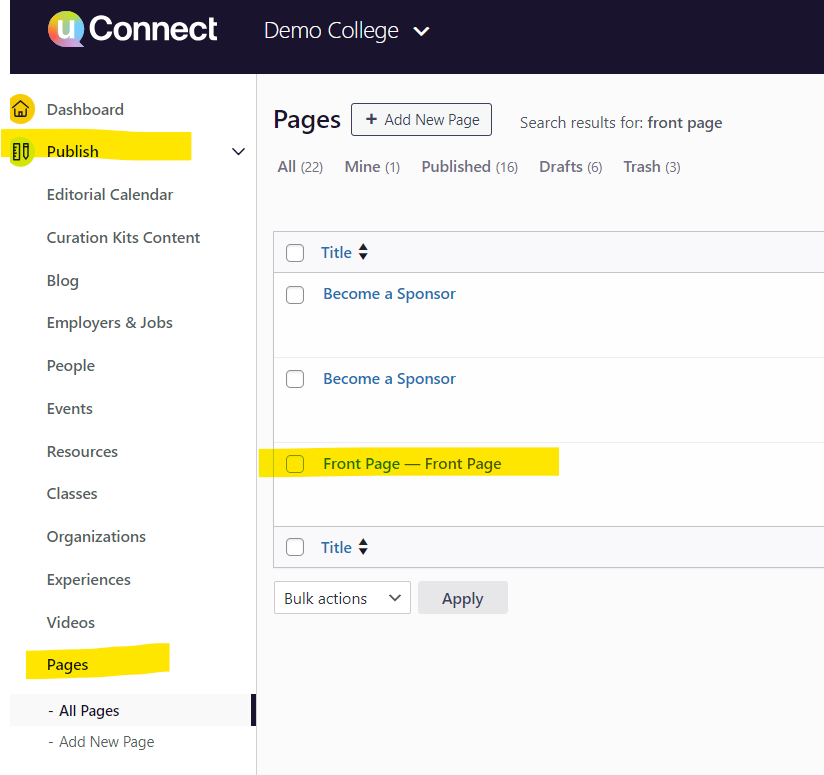
- Check Publish > Pages for a page called Front Page.
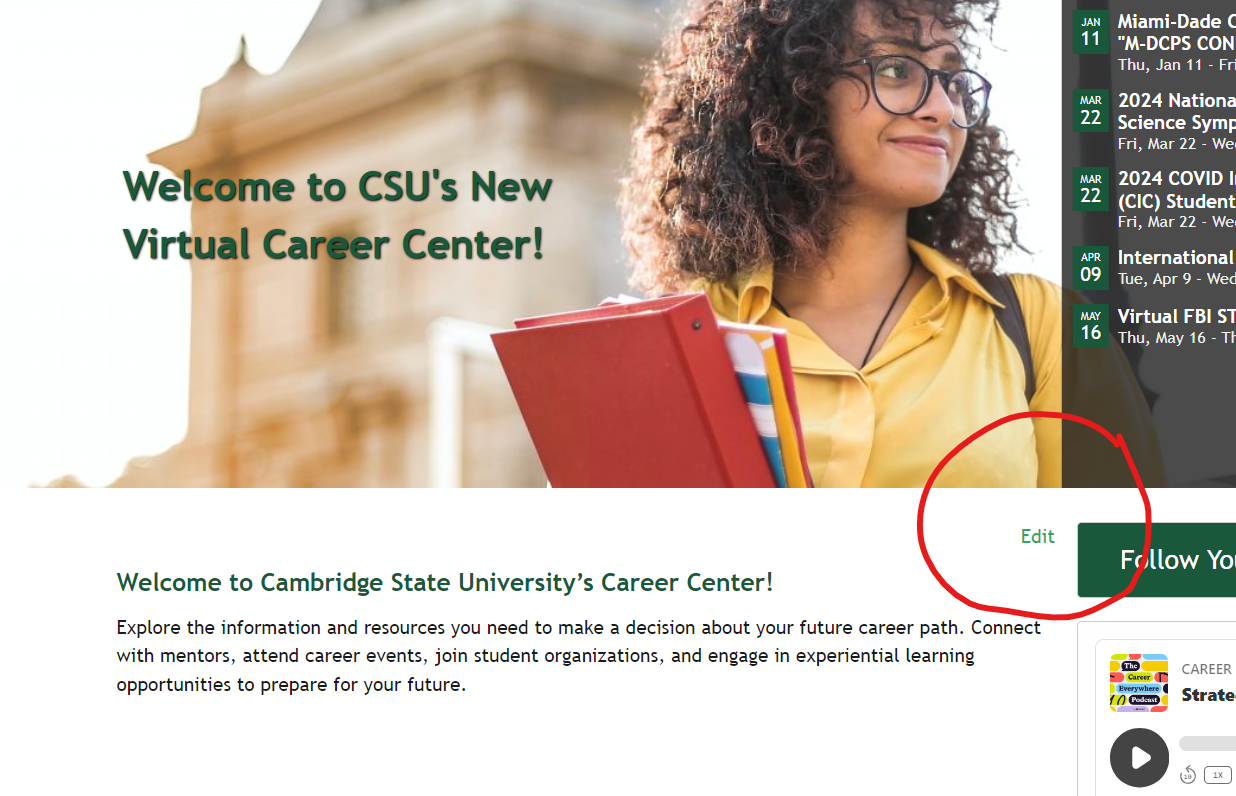
- If you are logged in to the platform and navigate to your Front Page, a small Edit button will appear above the content. Seeing this button confirms the page was built in the Block Editor.
To edit your Front Page content without publishing changes immediately, follow these steps:
- Go to Publish > Pages.
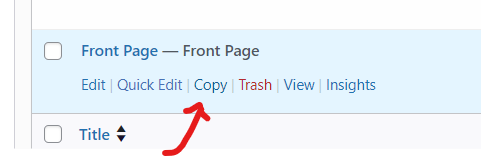
- Make a copy of the Front Page.
- Make your edits on the copy.
- Copy and paste the finalized changes into your live Front Page.