

Profile Attributes in Graduway
This article explains how to give mentors the option to remove themselves from the uConnect Virtual Career Center during registration. To get started, navigate to your Graduway Admin view. In the left sidebar, under User Management, click Profile Attributes.
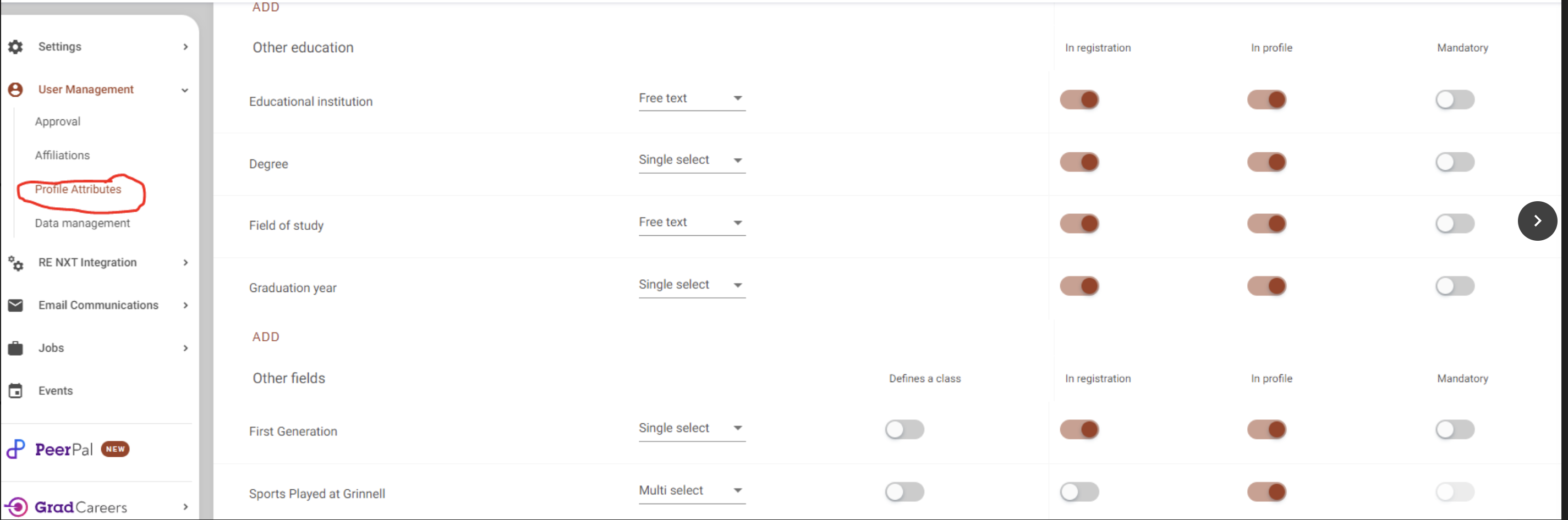
Within Profile Attributes, add a new attribute titled Remove from uConnect Virtual Career Center. Configure it as follows:
- Set the type to Single Select.
- Toggle on In Registration and Mandatory.
- When prompted, add Yes and No as the selectable options.

After setting up the attribute, contact the uConnect support team to enable this feature by completing the general inquiry form uConnect General Inquiry Form.
Once enabled, mentors will have the option to remove themselves from the uConnect Virtual Career Center during registration. They can also update this preference at any time by editing their profile.