
How do I update my center's address and contact information?
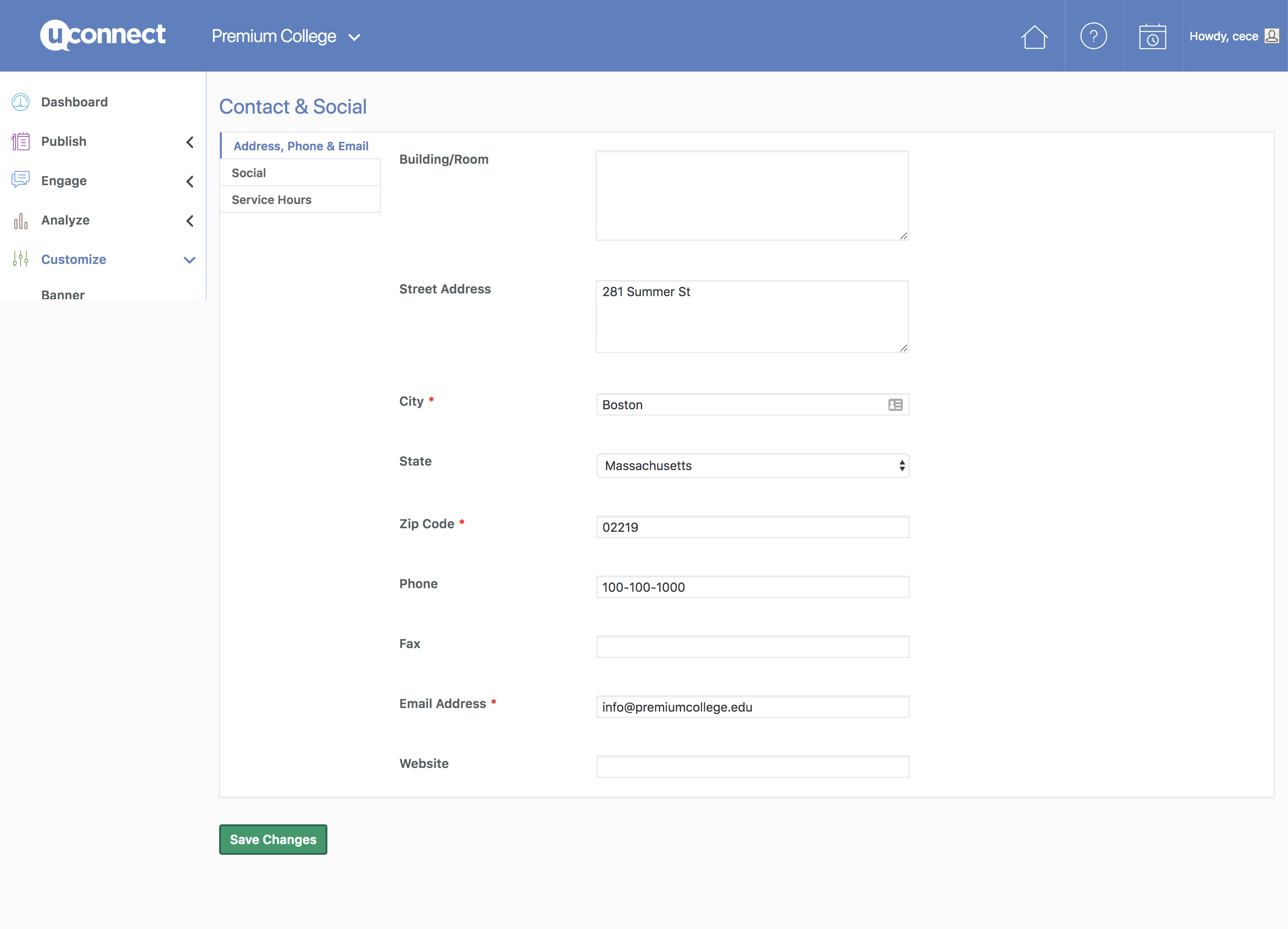
You can update your office address, phone number, email, service hours, and social accounts by going to Customize > Contact & Social in your admin panel and saving your changes.
Follow these steps to update your contact details:
- In your admin panel, navigate to Customize > Contact & Social.
- Select the relevant tab on the left: Address, Phone & Email, Social, or Service Hours.
- Edit the fields you want to update.
- Click the green Save Changes button in the bottom left corner to apply your changes.
Why aren't my saved changes appearing on the platform?
If your updates do not appear on the front end after saving, a widget in that section may be set to display different information, overriding the Contact & Social settings. Submit a support request for assistance adjusting your contact and social information.