
This article walks through the five types of featured homepage content you can display on your uConnect platform: blog posts, employers/jobs, resources, videos, and none. Featured homepage content appears directly below the banner on your homepage and is the first thing visitors see when they arrive at your site.
Blog posts:
When added as your homepage featured content, blogs will be listed right below the banner space on your homepage. If your school regularly publishes blog posts, setting blog posts as your featured content ensures visitors always see your latest updates as soon as they arrive.
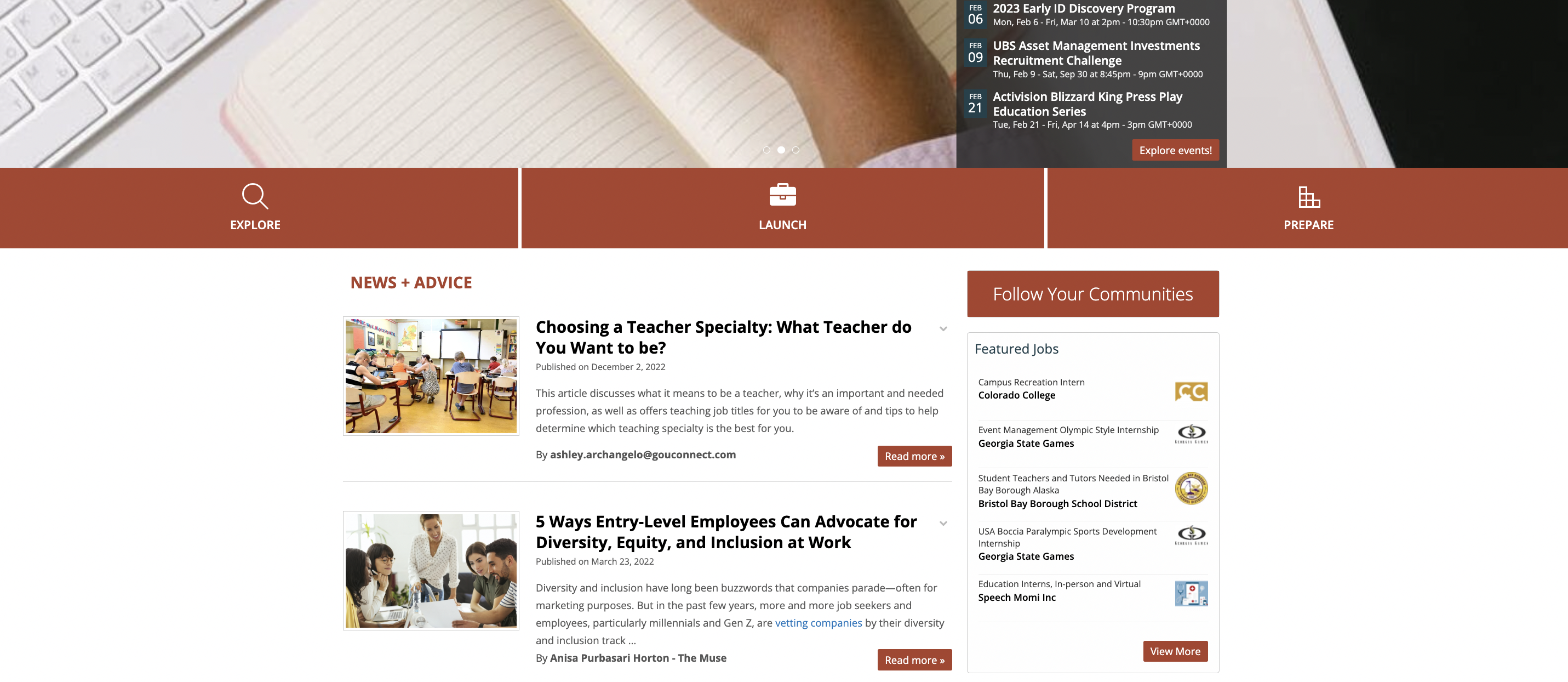
If you're using the featured blog content layout, you can actually adjust the number of blog posts that appear on your homepage at a given time. To do so, click on Customize > Front Page Settings, and enter a number in the Newsfeed Max Posts field.
Employers/jobs:
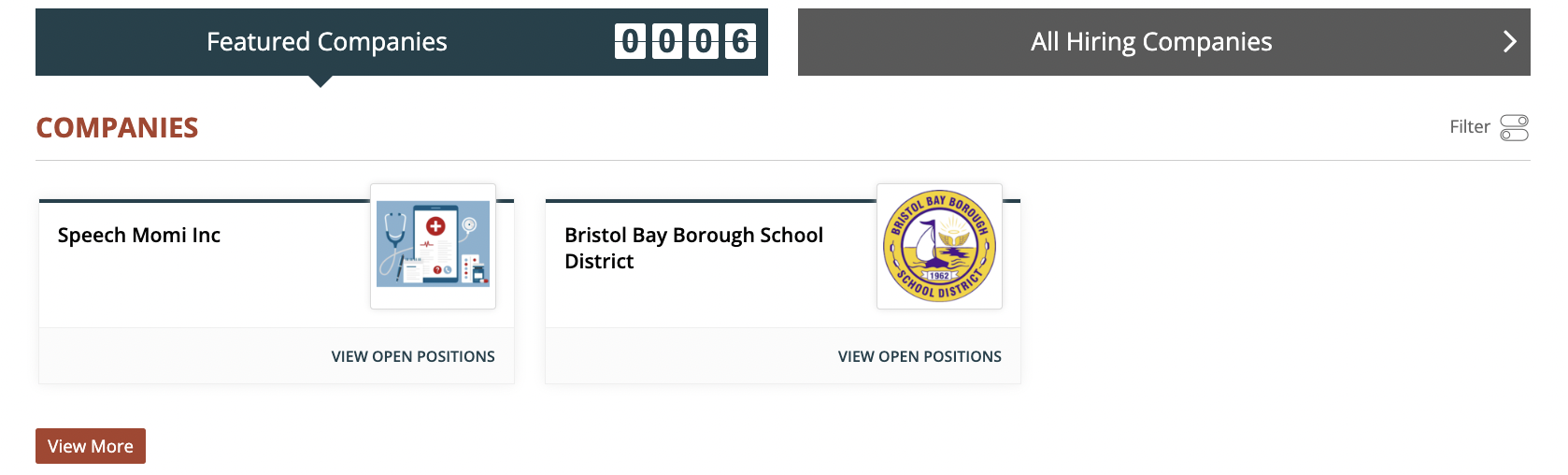
Employers/Jobs are another option you can set as your homepage featured content. This helps you highlight job opportunities available to students and keeps your homepage engaging for returning visitors. For best results, regularly update your job listings to ensure this section always shows current opportunities.
Resources:
Resources are another option you can add directly below your hero navigation on the homepage, as shown below:
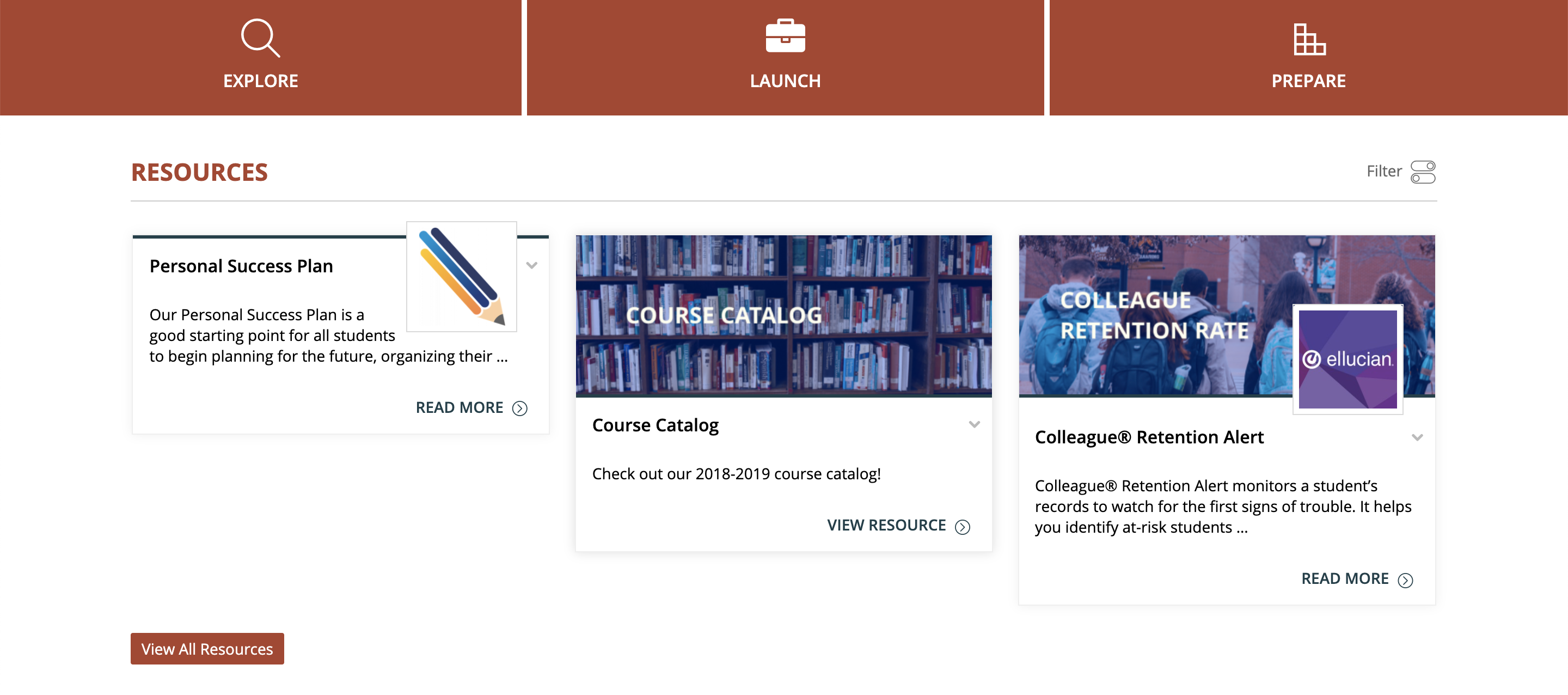
This allows for increased exposure of all your valuable internal and external tools, and enables students and your broader campus community to always have the option to view some of the fresh new content you've added to your platform immediately after navigating to the site.
Feature Videos:
Videos are a featured content type that lets you showcase dynamic, attention-grabbing content directly on your homepage.
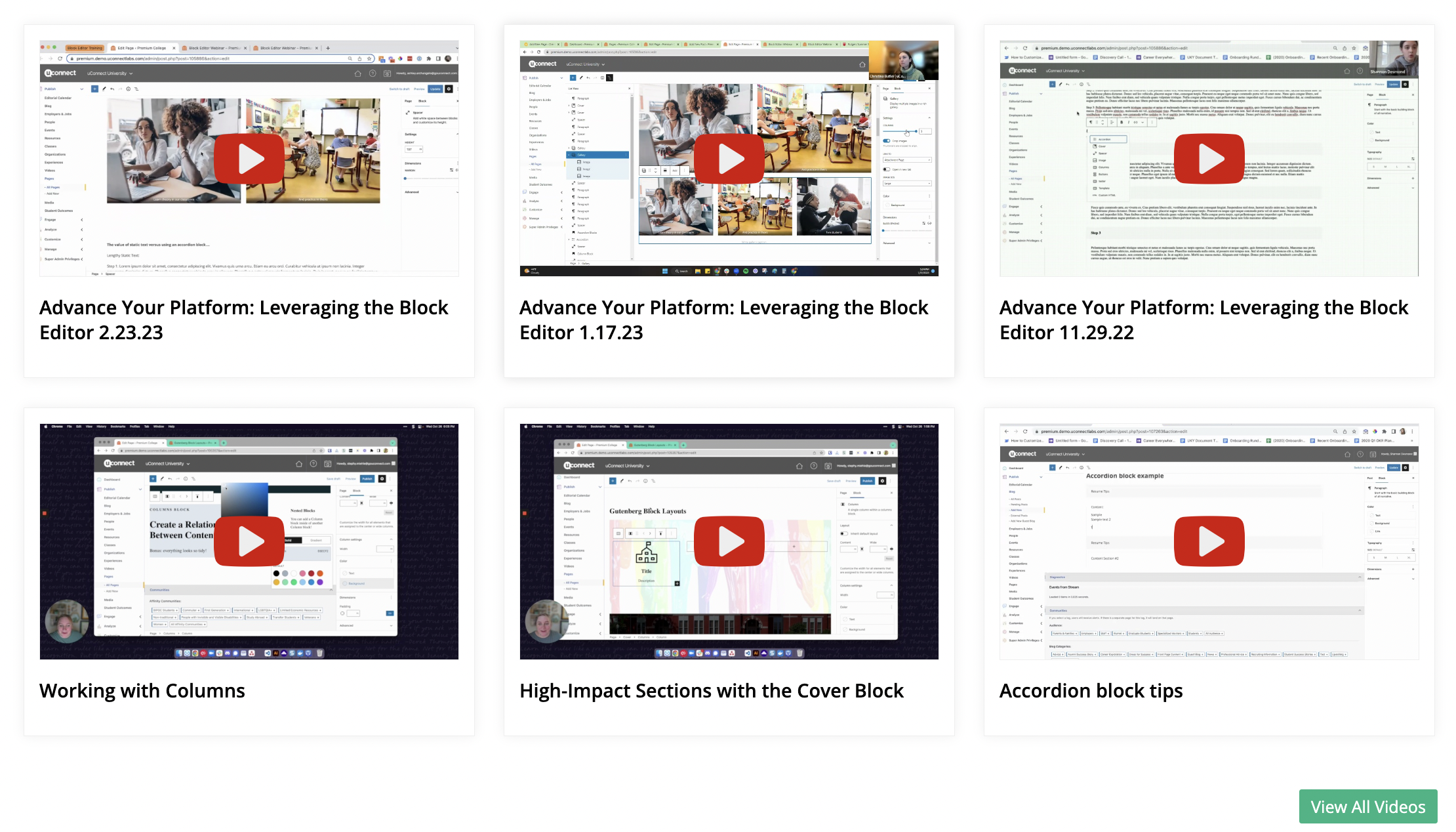
Videos are a great way to diversify the types of content feeding into your page, and help create an engaging user experience.
None:
If you'd prefer to only display widgets on your homepage without a featured content type at the top, you can set the featured homepage content to "None." This leaves space at the top of the page for custom description text. Note that widgets are the additional content modules (such as events, resources, or spotlights) that appear in the body of your homepage.
Make your decision:
To designate blog, job, resource, or video content as your homepage featured content, please submit a support request.
Note: Even if you choose to feature jobs, the system automatically defaults to featured blog posts when fewer than three jobs are listed at any given time. This measure ensures that you never have a lack of content on your homepage.